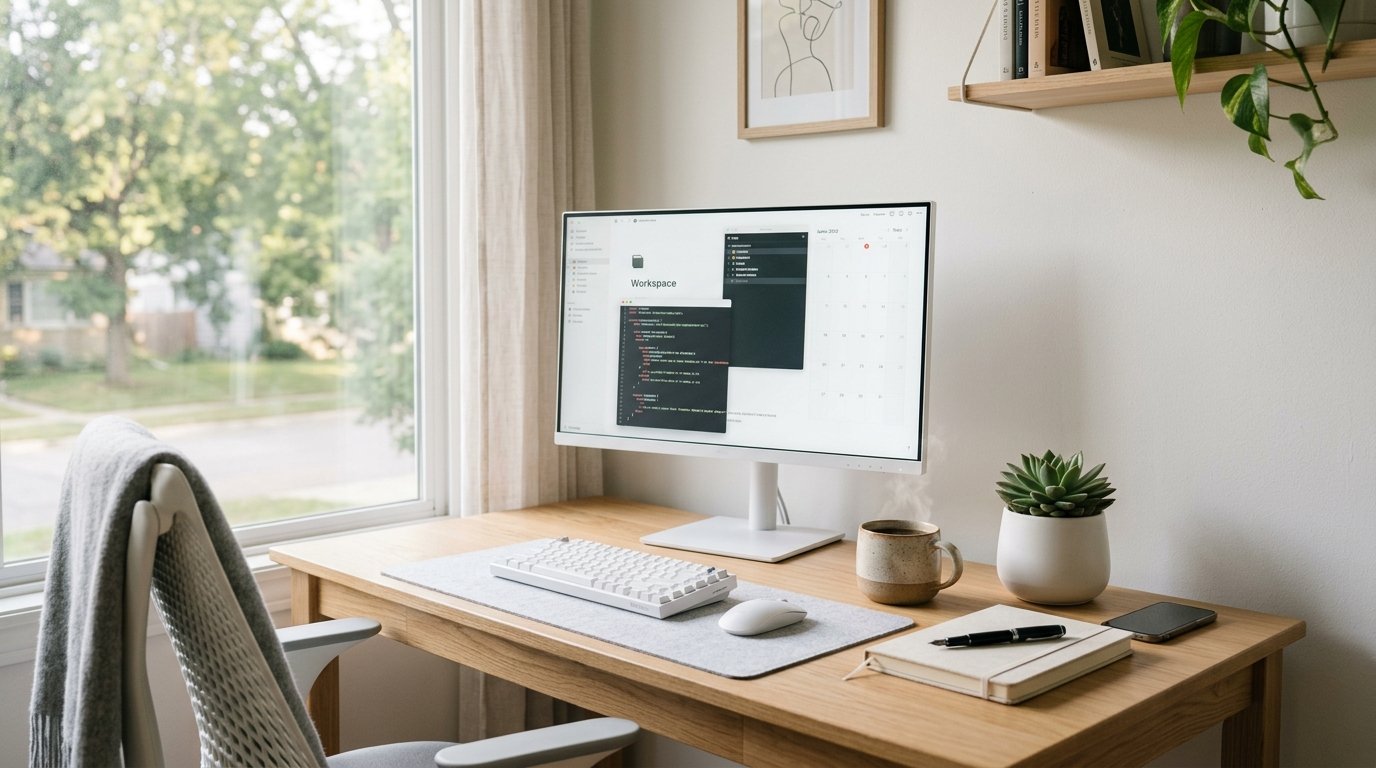
Working from home sounds dreamy — until your desk becomes a graveyard of sticky notes, tangled chargers, and forgotten coffee mugs. Sound familiar? A cluttered workspace doesn’t just look chaotic; it quietly drains your focus and energy throughout the day. The good news? You don’t need a home office renovation to fix it. A few intentional changes can transform even the tiniest desk into a productivity powerhouse.
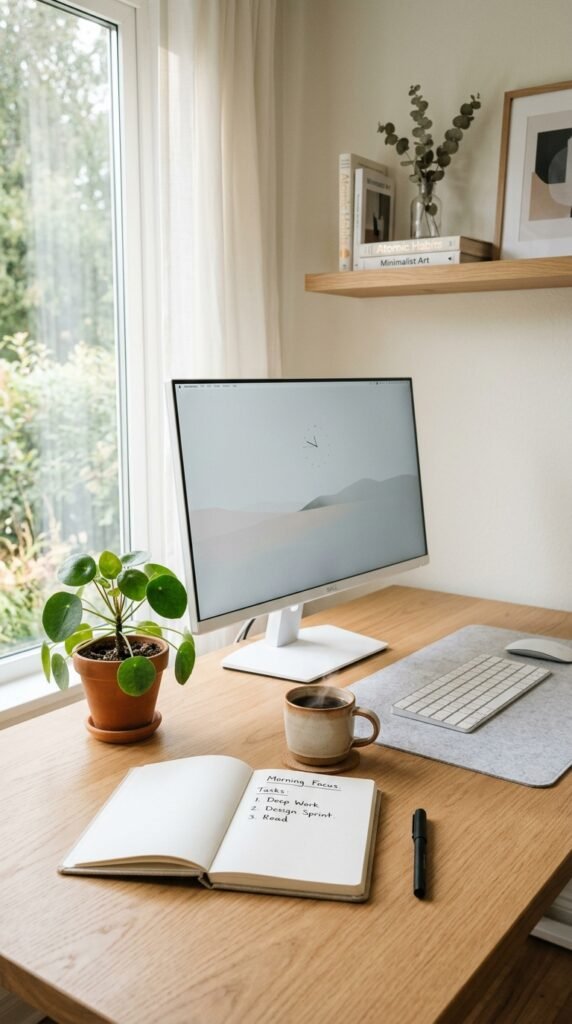
Start With a Clean Slate
Before you organize anything, take everything off your desk. Yes, everything. Wipe it down, take a breath, and look at the empty surface. This is your reset moment.
Now sort what was on it into three piles:
- Keep on desk — things you use daily
- Store nearby — weekly-use items that need to be accessible
- Remove entirely — clutter that snuck in and never left
You’ll be surprised how much doesn’t actually need to be within arm’s reach. Starting fresh makes every next step more effective.
Define Your Desk Zones
Think of your desk like a kitchen counter — everything works better when it has a designated spot. A simple three-zone system goes a long way:
Zone 1 – Prime Real Estate (directly in front of you): Your monitor or laptop, a notepad, and your most-used tool (pen, mouse, or keyboard).
Zone 2 – Secondary Zone (left and right sides): Phone, a small tray for daily essentials, or a desk lamp.
Zone 3 – Far Edges: Decorative items, a plant, or a small speaker — things that add personality without demanding attention.
This zoning habit alone can cut down the time you spend hunting for things mid-task.
Tame the Cable Chaos
Few things visually pollute a workspace faster than a nest of tangled cables. Thankfully, this is one of the easiest fixes.
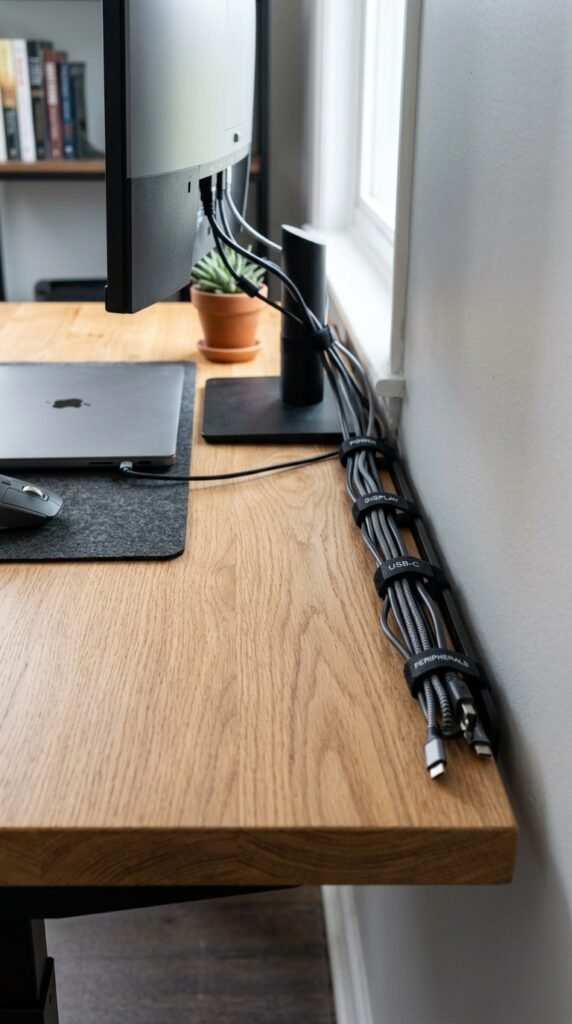
Here’s how to bring order to the wires:
- Use velcro cable ties to bundle cords together
- Attach a cable management tray under the desk to hide power strips
- Label cables with small tags so you’re never unplugging the wrong thing
- Go wireless where you can — a wireless mouse and keyboard eliminate a surprising amount of clutter
Choose Smart Storage Solutions
You don’t need a lot of storage — you need the right storage. A few affordable additions make a huge difference:
- Vertical desk organizer for pens, scissors, and sticky note pads
- Small drawer unit that slides under the desk for papers and supplies
- Monitor stand with built-in storage to raise your screen to eye level while hiding everyday items underneath
- Wall-mounted shelves if your desk is truly small — move items up, not out
The goal is to keep the desktop surface as clear as possible. Your brain associates open space with calm focus.
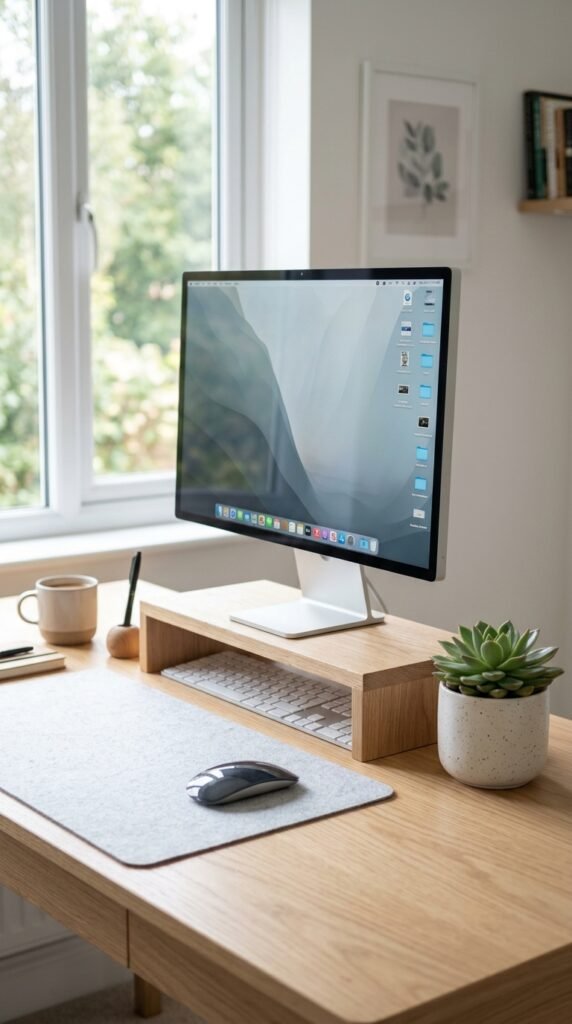
Add Personal Touches That Inspire (Not Distract)
A workspace that feels yours is one you’ll actually want to sit at. But there’s a fine line between inspiring and distracting.
Keep it simple:
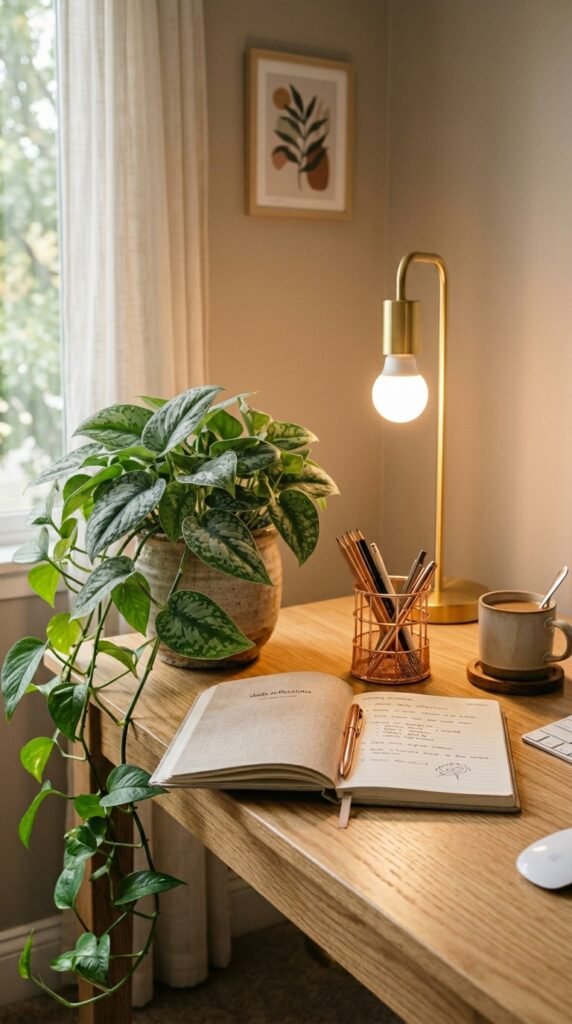
- One small plant or succulent for life and freshness
- A framed photo or motivational print — just one
- A candle or diffuser for a calming scent
- A mug or water bottle you love
Avoid anything that triggers your phone-scrolling instinct. Decor should make you feel good, not pull your attention away from work.
Build an End-of-Day Reset Routine
Here’s the secret weapon most people skip: spend five minutes at the end of every workday resetting your desk. Clear it back to its baseline. Put pens away, toss trash, clear dishes, and leave your notepad ready for tomorrow.
This tiny habit does two powerful things — it signals to your brain that the workday is done, and it means you start every morning with a clear, calm surface instead of yesterday’s chaos.
Your Productive Desk Is One Step Away
You don’t need a Pinterest-perfect setup or an expensive redesign. You just need a system — zones, smart storage, tamed cables, and a reset routine. Start with one change today, even if it’s just clearing the surface and defining your prime zone.
Save this article and come back to it the next time your desk starts creeping back into chaos. Your most focused workday yet is just an organized desk away.